Framer Templates
5 Framer Portfolio Templates for Designers in 2026

Bryan Hermoza
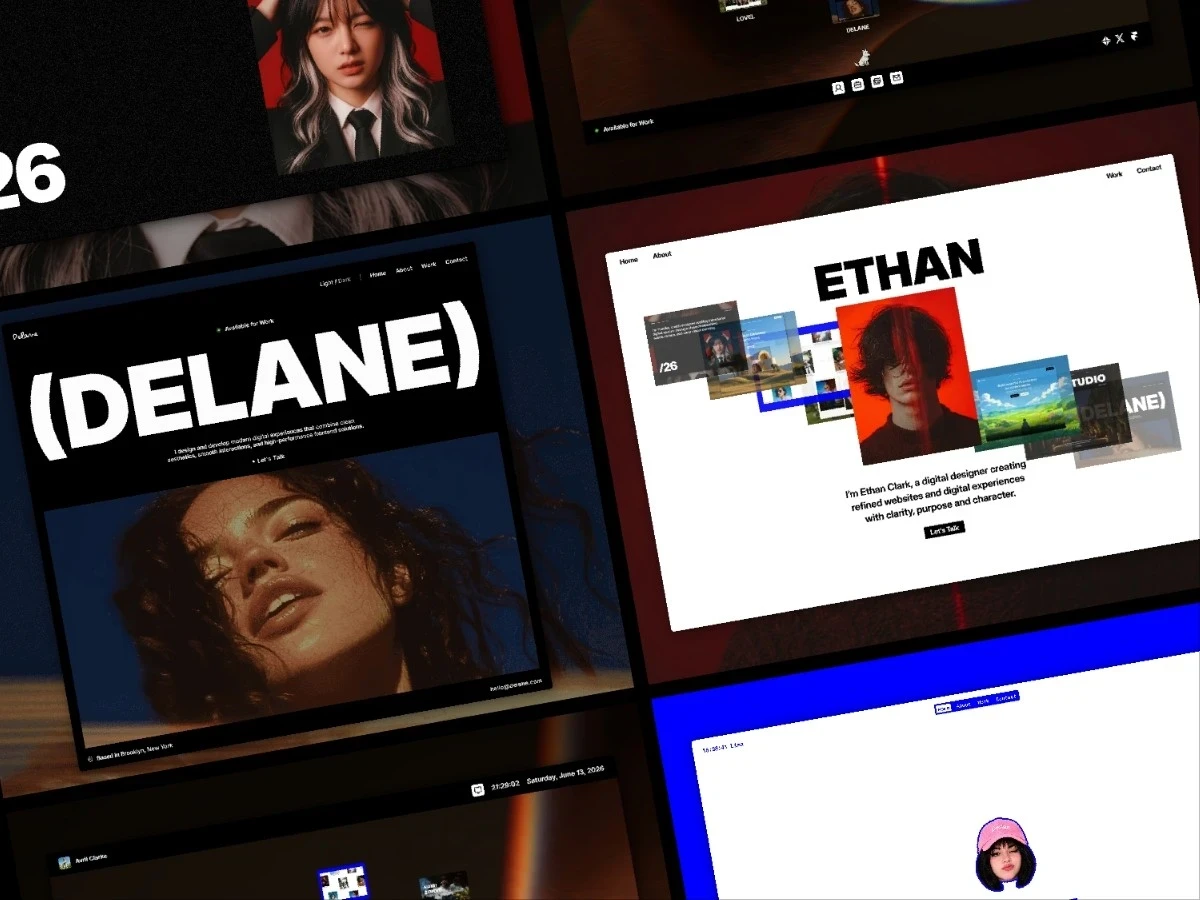
When I started building my own portfolio, the hardest part wasn’t deciding what work to show. It was figuring out how to bring everything together in a way that felt clear, personal, and actually reflected who I am and what I do.
That experience is one of the reasons I created these Framer portfolio templates. Each one offers a different starting point, from simple and focused to more interactive and expressive, so you can spend less time staring at a blank page and more time shaping the portfolio around your own work.
These templates aren’t meant for just one type of creative. They’re built to be flexible enough for anyone who wants to showcase their work, whether you’re a designer, developer, photographer, artist, or simply someone looking for a better way to present what you create.
What Should a Good Framer Portfolio Template Give You?
A good portfolio template should give you a clear structure for your projects, work well across devices, be easy to update, and make managing new work simple through things like CMS collections and reusable components.
Beyond the practical side, a good portfolio template should give you enough freedom to make it personal. Your site should feel like a reflection of your work and personality, not like something copied straight from a template. The structure should help you get started, while still leaving room to shape the experience in your own way.
1. SONI
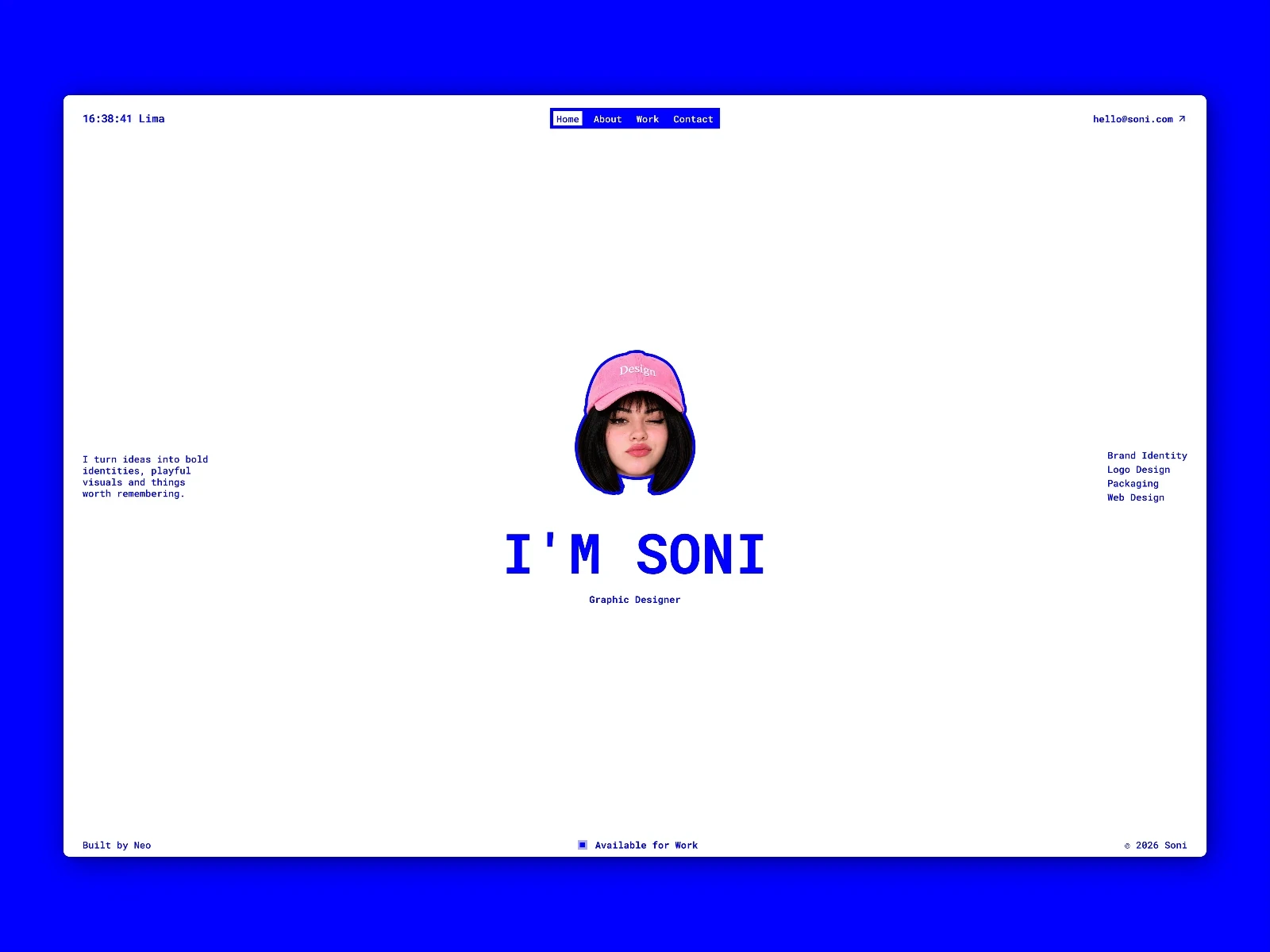
Soni s an interactive portfolio for people who want the presentation of their projects to have as much personality as the work itself. It’s built to turn projects and case studies into a more dynamic experience, with CMS-powered content, project filtering, and interactions that make exploring the portfolio feel alive without making it difficult to navigate.
Who it’s for: graphic designers, brand designers, art directors, creative freelancers, and anyone looking for a more expressive and visual portfolio.
2. Ethan Clark
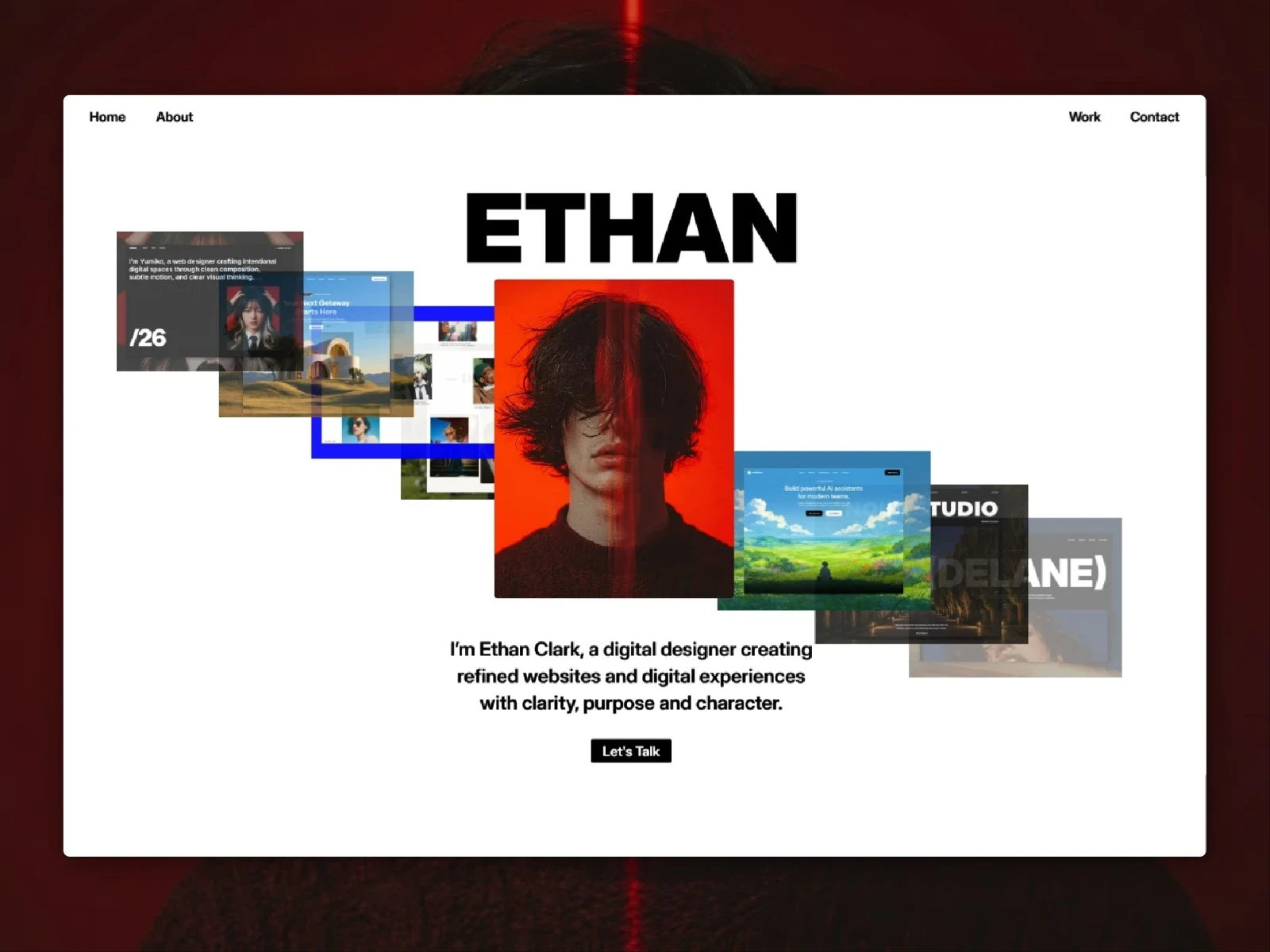
Ethan Clark is a free portfolio designed to present projects in a clear and easy-to-explore way. It lets you combine visual work with more detailed case studies, keep projects organized through the CMS, and use category filters so visitors can quickly discover different types of work.
Who it’s for: digital designers, product designers, web designers, and creatives who need to present different kinds of projects without overcomplicating the experience.
3. DELANE
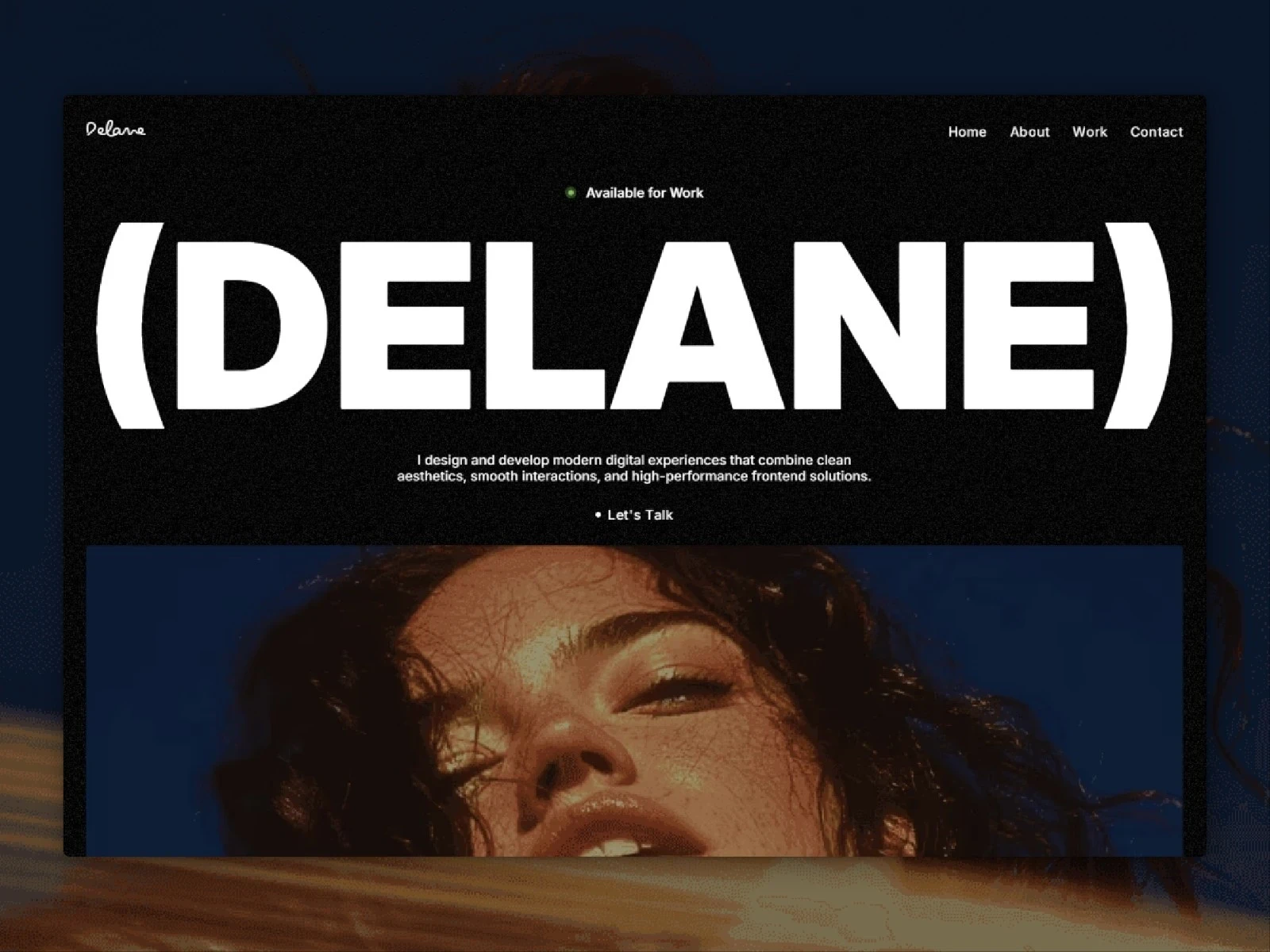
DELANE is a free portfolio created for people who want their work to remain the main focus. Its purpose is to give you a simple foundation that is easy to customize and maintain, with CMS-powered projects and individual pages where you can add images, context, and project details without the website competing with the work itself.
Who it’s for: designers, photographers, artists, developers, and creatives who prefer a simple experience focused on their projects.
4. Yumiko
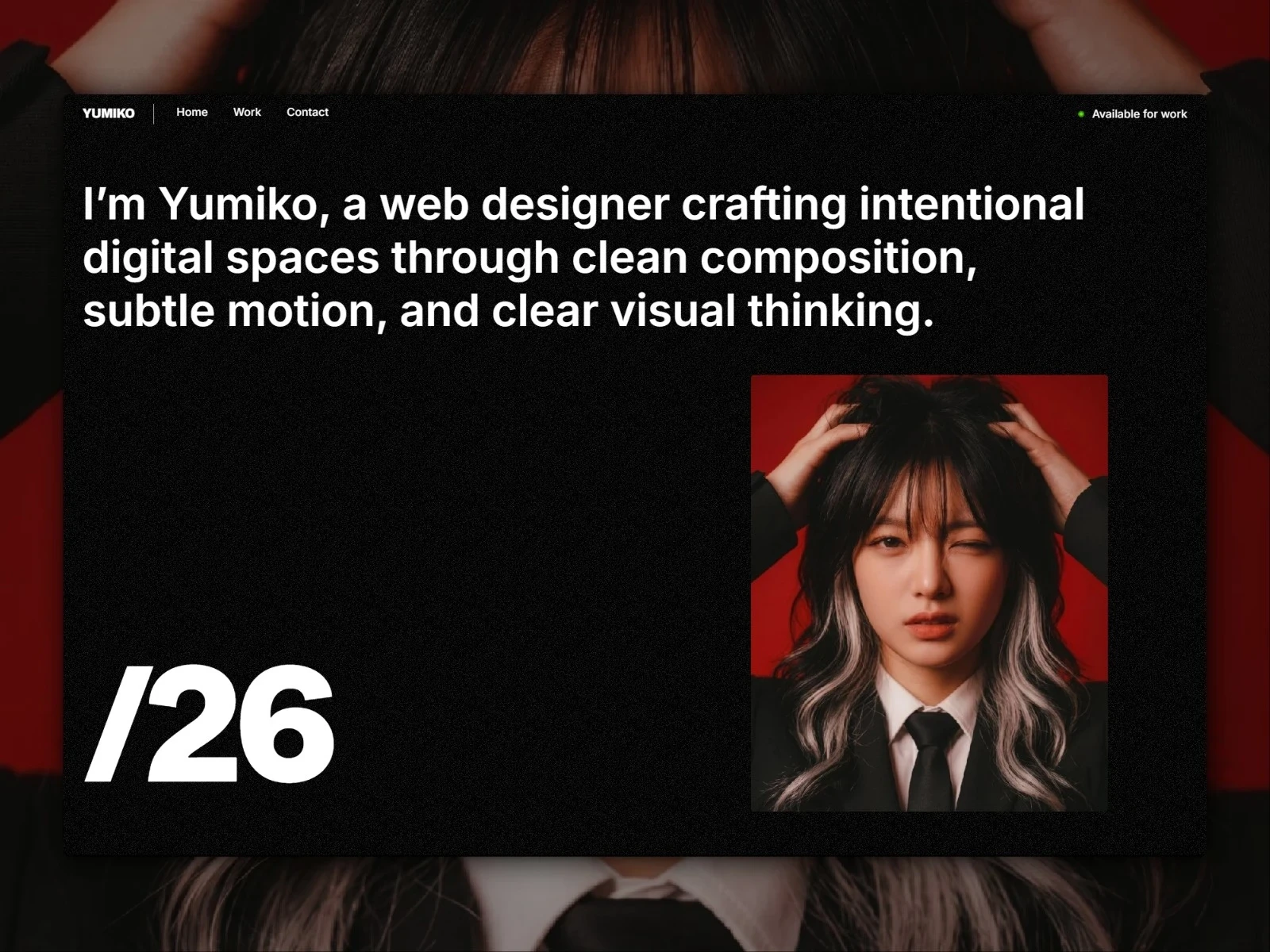
Yumiko is a free portfolio for people who want the website itself to have more character. It combines CMS-powered projects with interactions, 3D details, and small visual moments that make exploring the portfolio part of the experience while still keeping the work easy to understand.
Who it’s for: web designers, creative developers, digital designers, and anyone looking for a more experimental and digital portfolio experience.
5. Deskfolio
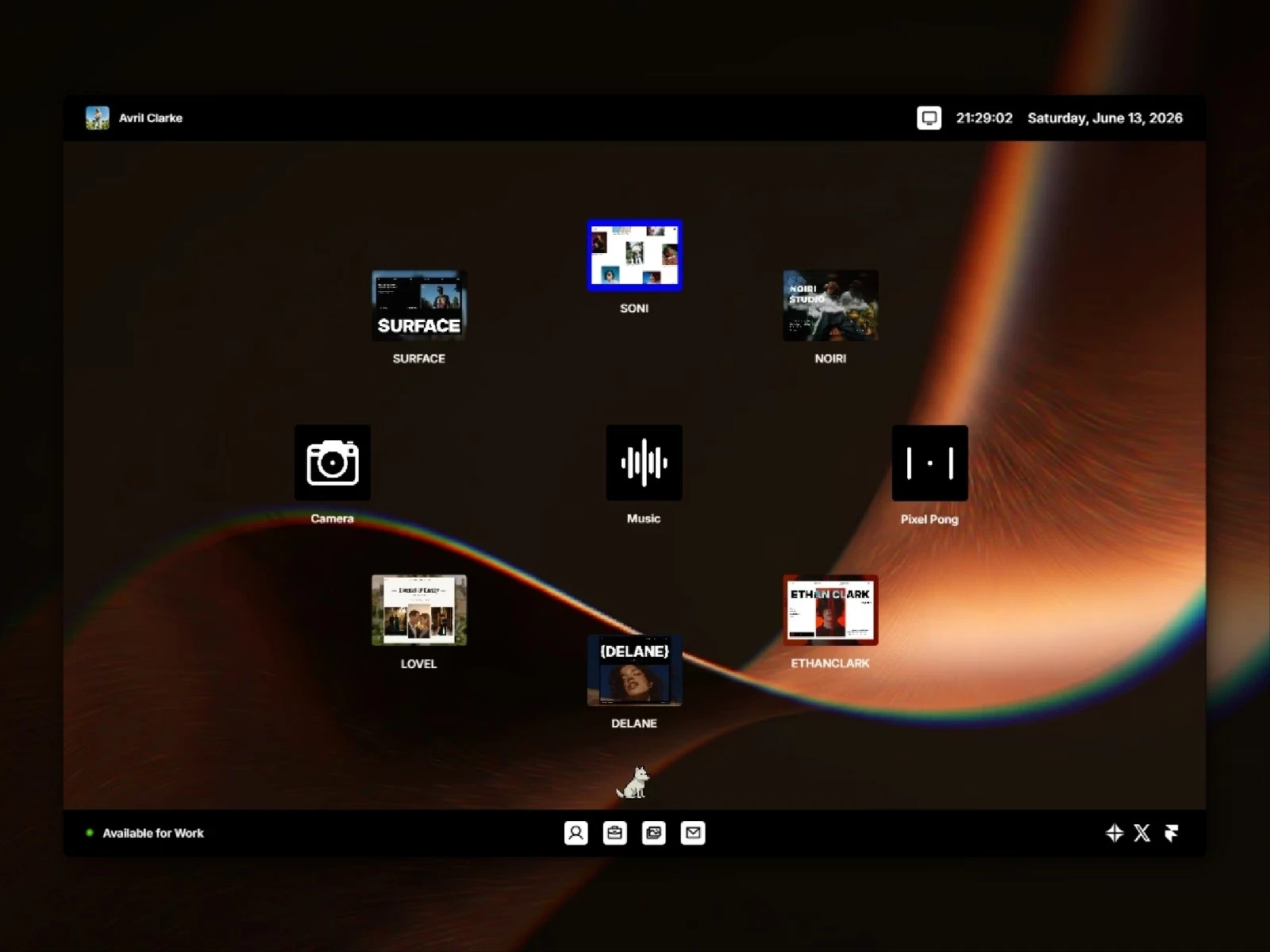
Deskfolio takes the idea of a portfolio much further by turning it into a personal digital desktop. Visitors can explore projects through draggable windows, apps, media, and interactive elements, making the experience feel more like exploring your personal creative space than browsing a traditional portfolio website.
Who it’s for: creative developers, digital artists, interaction designers, and people who want the experience of the website itself to become part of their work.
How to Choose the Right Framer Portfolio Template
I wouldn’t choose one simply because it “looks better.” I’d first think about how you want someone to feel while discovering your work and what you want them to remember about you after they leave.
SONI makes sense when you want to express a lot of personality. Ethan Clark works well when you need a balance between clarity and presentation. DELANE is for when you want your projects to speak mostly for themselves. Yumiko adds more character and interaction, while Deskfolio works when you want exploring the website itself to become part of the experience.
But none of them are limited to those uses. They’re starting points. You can change the projects, content, colors, fonts, images, structure, and even the way you use the template until it represents your own work.
If you want help customizing one after choosing it, you can also follow the Framer Template Guide to learn how to edit content, CMS collections, components, forms, fonts, and publishing settings.
Whichever direction you choose, the goal is the same: start with a structure that helps you present your work clearly, then shape it until it feels like your own.
Explore the Full Portfolio Collection
Browse free and premium Framer portfolio templates created for different creative styles and ways of presenting your work.
More articles
Explore more articles
Explore more articles, tips, and resources to help you get the most out of Framer.


